How Outsourcing IT Can Simplify Your Business Operations
Outsourcing IT support can reduce operational drag, improve response quality, and increase coverage—without the fixed overhead of building an in-house team. The advantage comes from structured processes,.

Core Benefits of Outsourcing IT
Outsourcing IT offers practical advantages for businesses of any size—especially when internal teams are stretched. The most consistent gains come from expertise depth, cost control, and stable operational coverage.
Access to expertise
Tap into specialists who handle support and troubleshooting daily—skills that are often hard to hire and retain internally.
Cost-effective delivery
Reduce fixed staffing costs with flexible models. Pay for defined coverage and outcomes instead of carrying full-time overhead.
Focus on core work
Free internal teams from repetitive support load so they can execute higher-impact work aligned to business goals.
Security and compliance
Strong providers follow controlled access, documentation, and client-led security requirements—reducing operational risk.
24/7 support coverage
Round-the-clock coverage reduces downtime impact. When incidents occur outside office hours, response time stays predictable and controlled.
Outsourcing IT as a Strategic Move
Outsourcing works when it is treated like operations, not a handoff. Define scope, set expectations, and measure performance. The steps below keep the relationship stable and scalable.
- 1Identify specific needsDefine what you are outsourcing (help desk, technical triage, account/app support, tool-based operations). Keep scope concrete so ownership stays clean.
- 2Evaluate potential partnersValidate experience, documentation quality, reporting cadence, and how they work inside your existing tools and workflows.
- 3Lock in SLAs and escalation rulesMake response times, coverage windows, and escalation paths explicit. Define what happens when SLAs are missed.
- 4Establish communication channelsWeekly performance touchpoints plus clear incident comms reduce drift. Alignment beats “busy” every time.
- 5Monitor performance with KPIsTrack resolution time, backlog, reopen rate, QA scores, and customer impact. Optimize workflows based on data, not opinions.
What Is Outsourcing Support
Outsourcing support is delegating support functions to a third-party provider. This can include help desk services, technical triage, and customer-facing support. The goal is higher consistency and better coverage without scaling internal headcount.
A major advantage is service quality under load. Experienced providers resolve issues faster because they run structured processes, follow clear SOPs, and have specialist knowledge available when edge cases appear.
Real-World Applications of Outsourced IT
Outsourcing is not one-size-fits-all. It depends on company stage and operational complexity, but the model is common across the spectrum:
- Start-ups: Keep internal teams focused on product while outsourcing IT support operations and security hygiene basics.
- Mid-sized companies: Add scalable coverage for support queues, tooling operations, and structured triage during growth phases.
- Large organizations: Offload defined support lanes with strict access controls, reporting, and compliance-driven procedures.
The Bottom Line
Outsourcing IT support is not only a cost lever—it’s an execution lever. Businesses that treat it as a measured operating function gain faster coverage, clearer accountability, and stable performance as volume grows.
The winning model is simple: define scope, run inside your tools, enforce SLAs, document workflows, and track KPIs. That is how outsourced IT becomes a durable advantage instead of a short-term patch
Need support teams or a better digital operation?
Talk to SD IT Services.
Related services
Nearshore Outsourcing Kosovo
Explore Kosovo-based support, operations, development, and QA delivery.
View pageOutsourcing Company Kosovo
See how SD IT Services operates as a managed Kosovo outsourcing partner.
View pageCustomer Support Europe
Build customer support coverage aligned with European working hours.
View pageRead Also
More SD IT insights.
Outsourcing
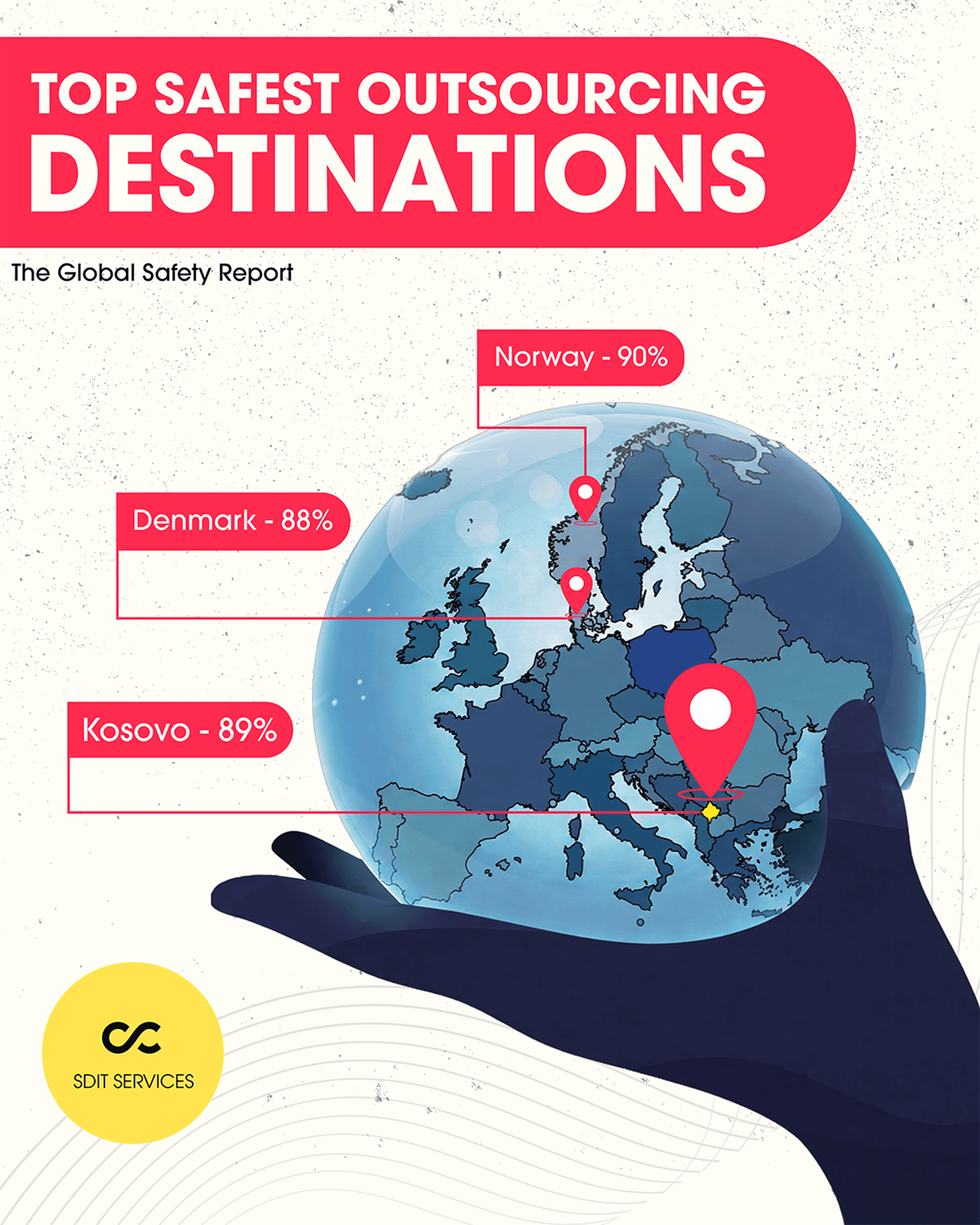
Kosovo Ranks Among the World's Safest Outsourcing Destinations (89%): What the Global Safety Report Means for Your Business
Read article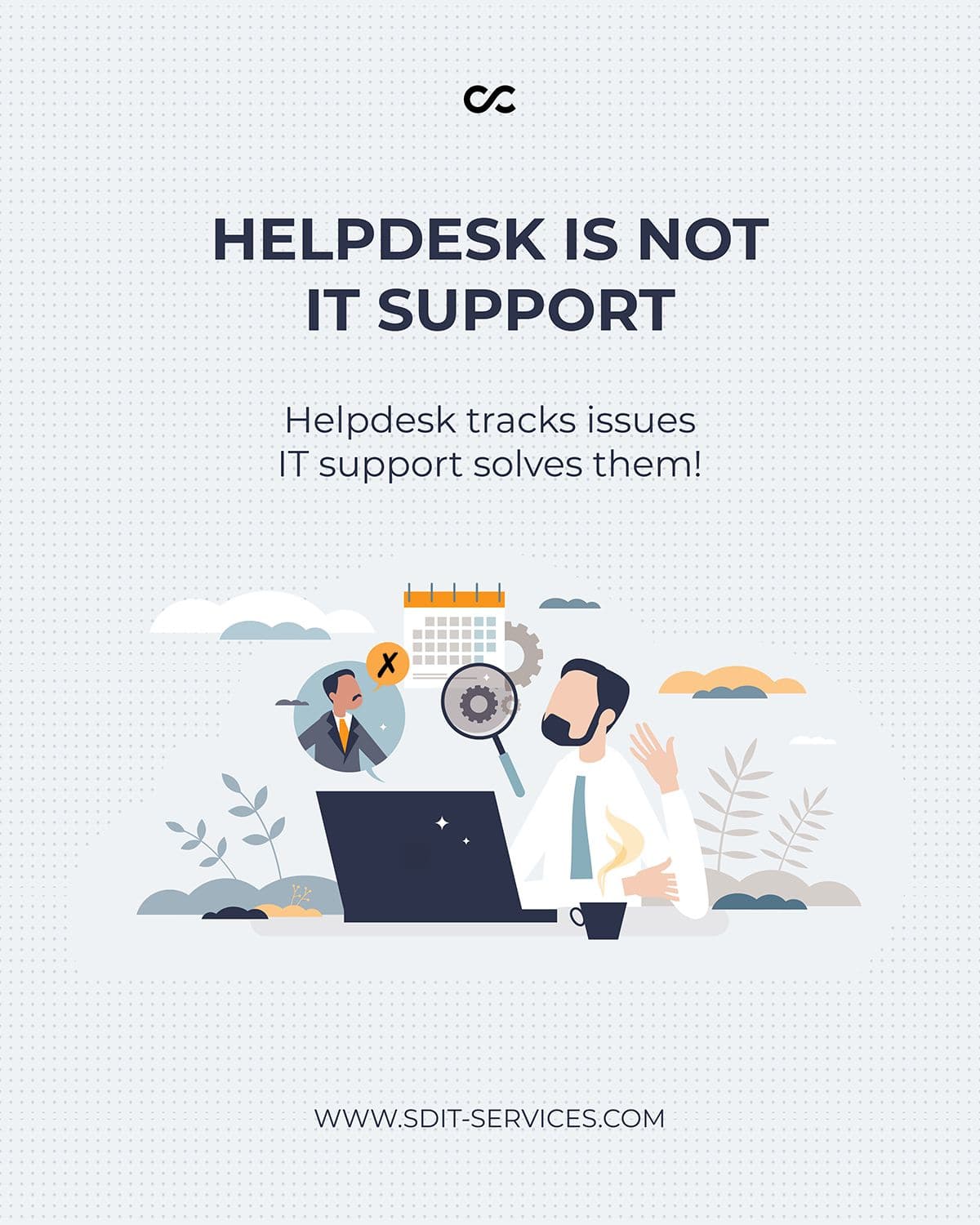
Technical Support
Why Growing Businesses Struggle with Efficiency (And How Better Processes Fix It)
Read article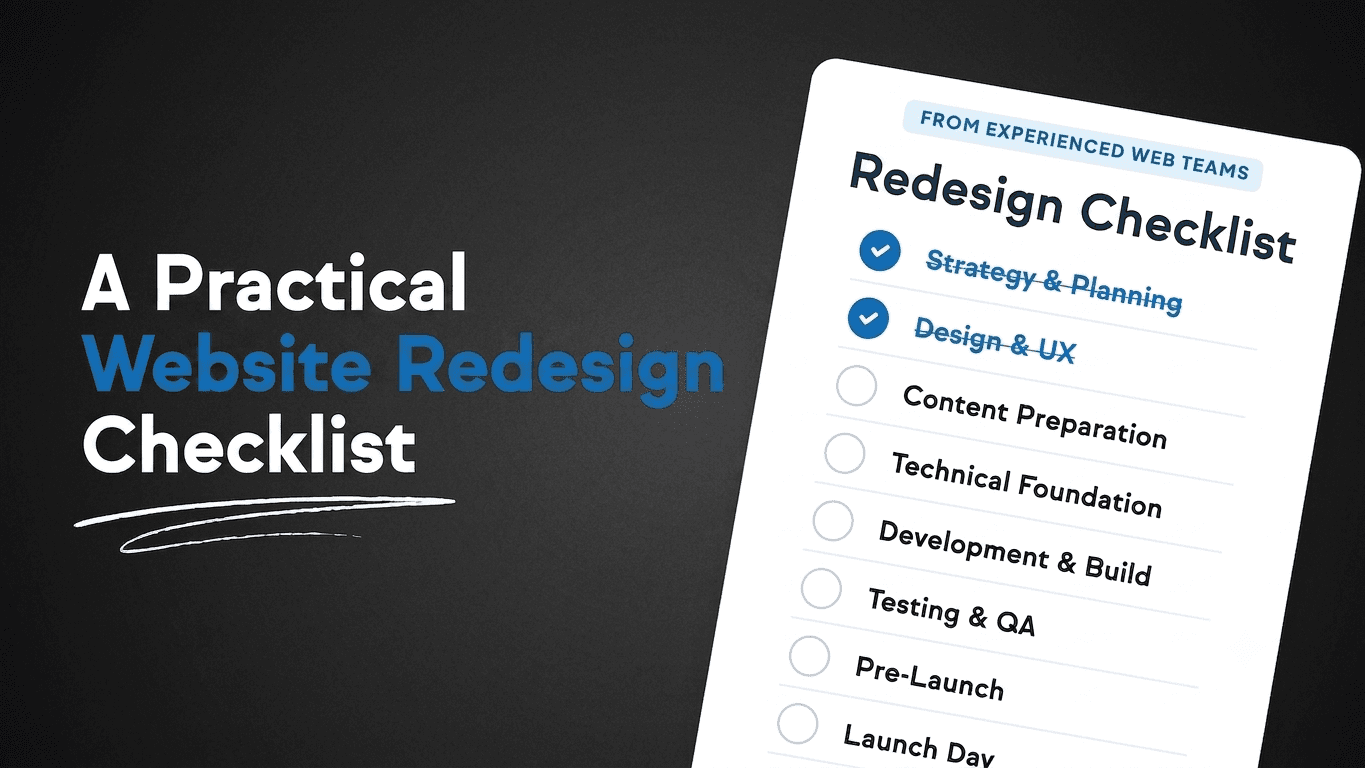
Company
Website Redesign Checklist for Growing Companies
Read articleShare via
Summarize with AI
Copies a prepared prompt with this article title and URL, then opens your selected AI tool.