Website Redesign Checklist for Growing Companies
A website redesign can boost performance and conversions or it can undo months of SEO progress if not managed carefully. This checklist covers what to do before, during, and after.
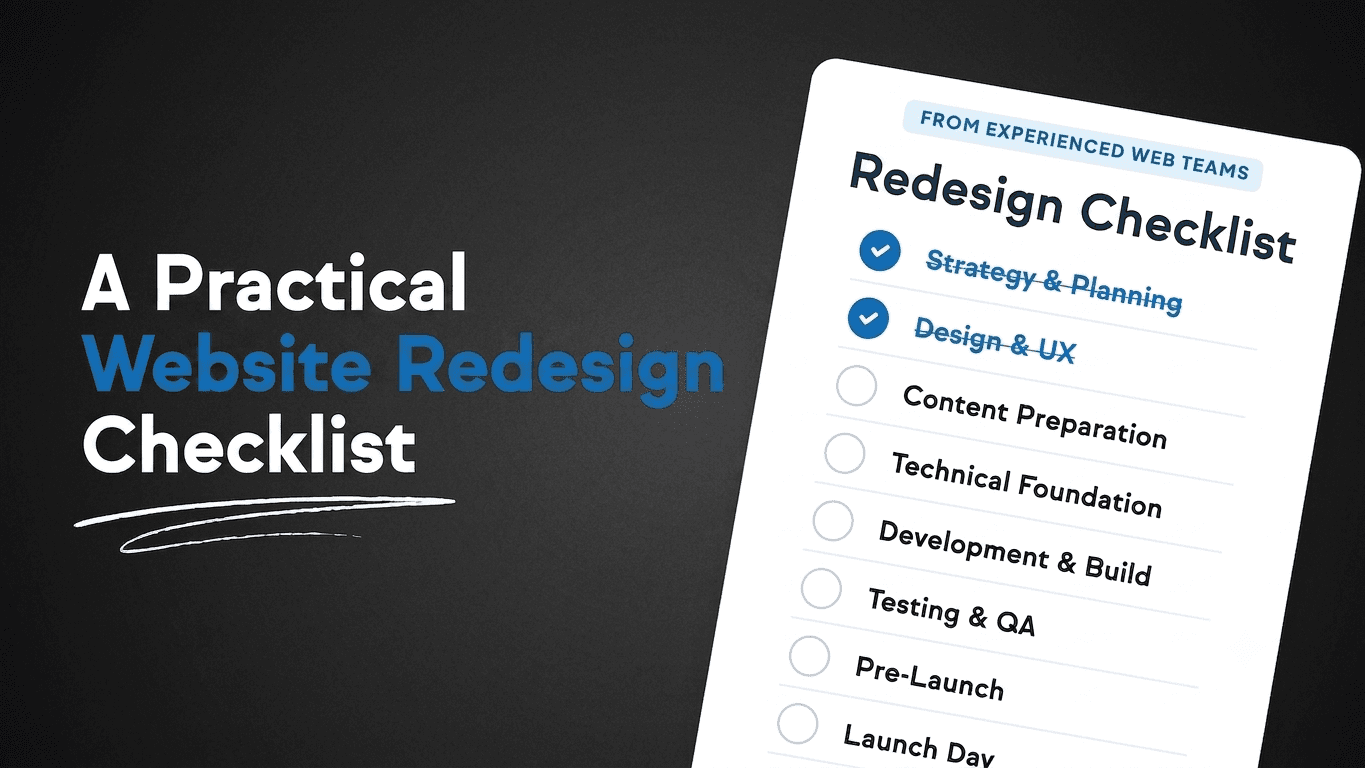
A website redesign done well delivers a faster, clearer, better-converting site. A redesign done without proper planning can undo months of organic search progress, break working pages, and confuse visitors who were used to the old structure. Most of the risks are avoidable if you run a proper process before the first design file is opened.
Before the Redesign: What to Document
Before anything changes, document the current state of your site. This is the baseline you will refer back to when measuring the impact of the redesign � and it protects you from discovering after launch that something important was working and is now broken.
- Run a full crawl of your current site to get a complete list of all indexed URLs
- Export your current organic traffic data from Google Search Console, filtered by page, for the past 12 months
- Document your top-performing pages by organic traffic, conversion rate, and backlinks � these are the pages you cannot afford to damage
- Record all current URL structures so you can build a redirect map if any URLs are changing
- Screenshot or record existing page designs and structures for reference during QA after launch
Protecting Your SEO During the Redesign
The most common SEO damage from a website redesign comes from URL changes without 301 redirects, content from old pages not being carried over to new ones, and pages being accidentally set to no-index during development and left that way after launch.
- Map every old URL to its new destination and implement 301 redirects before the new site goes live
- Carry over all title tags, meta descriptions, and heading structures from high-performing pages � do not start from scratch
- Ensure the dev environment is blocked from crawlers and that this setting is reversed on launch day
- Do not change URLs without a redirect unless you have a compelling reason
- Keep all content that is currently ranking, even if you are also adding new content
Technical Requirements to Confirm
Use the redesign as an opportunity to get the technical foundation right if it was not right before:
- Core Web Vitals: confirm with your developer that the new build will meet acceptable performance thresholds before launch
- Mobile responsiveness: test across device sizes before launch, not after
- HTTPS: confirm SSL certificate is in place and all pages load on HTTPS
- Canonical tags: confirm every page has a canonical tag pointing to the correct URL
- Sitemap: ensure a new sitemap is generated and submitted to Google Search Console within 24 hours of launch
- Contact forms and conversion actions: test every form and CTA before going live
Content and Conversion Review
A redesign is a good opportunity to audit your content with fresh eyes. Pages that are thin, outdated, or poorly written should be improved rather than just restyled. Pages that were getting traffic but not converting should be redesigned to convert � new visual hierarchy, stronger calls-to-action, clearer positioning.
Identify your primary conversion action on each page before design starts. If the goal of a service page is to get a consultation request, design the page with that outcome in mind from the beginning. Do not add calls-to-action as an afterthought once the design is finished.
Post-Launch Checklist
In the 48 to 72 hours after launch, run through:
- Confirm all 301 redirects are working as mapped
- Check Google Search Console for crawl errors and indexing issues
- Verify that all conversion actions � contact forms, request buttons � are functioning correctly
- Check Core Web Vitals scores on the live site
- Monitor organic traffic in the days following launch for any unexpected drops
- Confirm the sitemap is submitted and Google Search Console is receiving data from the new site
If you are planning a redesign and want to ensure it is handled with proper SEO protection and technical rigour, visit our website redesign services page or our website development services page for a broader view. Contact us to discuss your specific project.
Frequently Asked Questions
How long does a typical website redesign take?
A straightforward business website redesign � five to fifteen pages, no complex integrations � typically takes six to twelve weeks from brief to launch when the process runs smoothly. Projects with custom functionality, content migrations, or extensive review cycles take longer.
Will a website redesign affect my Google rankings?
It can, both positively and negatively. A redesign that improves page speed, site structure, content quality, and mobile experience can improve rankings over time. A redesign that changes URLs without redirects, removes content, or introduces technical errors can cause significant short-term drops. Proper pre-launch planning eliminates most of the risk.
Should I redesign the entire site at once or do it in stages?
For most growing companies, a full redesign is more practical than a phased approach � redesigning sections incrementally creates visual inconsistency and can be harder to manage. However, if your site is large, launching top-level pages first while migrating deeper pages in stages can reduce risk.
How do I know if my current site needs a redesign or just improvements?
If your site is technically sound, ranking well, and converting visitors at an acceptable rate but just needs content or visual updates, targeted improvements are often more efficient than a full redesign. If the site is slow, not mobile-responsive, difficult to update, or built on an outdated platform, a redesign is usually the more cost-effective long-term decision.
What information should I give a web design agency at the start of a project?
At minimum: your current site URL, a list of all pages you want to keep, your top-converting pages and goals for each, your brand guidelines, examples of sites whose design you like and dislike, and your timeline. The more context you provide upfront, the fewer clarification rounds are needed during the project.
Need support teams or a better digital operation?
Talk to SD IT Services.
Related services
Read Also
More SD IT insights.

Outsourcing
Kosovo Ranks Among the World's Safest Outsourcing Destinations (89%): What the Global Safety Report Means for Your Business
Read article
Technical Support
Why Growing Businesses Struggle with Efficiency (And How Better Processes Fix It)
Read article
Customer Support
Live Chat Support Outsourcing: What Companies Should Know
Read articleShare via
Summarize with AI
Copies a prepared prompt with this article title and URL, then opens your selected AI tool.