Jira + Zendesk: Playbooks that scale
Connect L1–L3 support with product engineering—without ping-pong or process drag. This playbook shows the exact handoffs, fields, automations, and dashboards we deploy to ship fixes faster and learn from.
Jira + Zendesk: Playbooks that Scale
Connect L1–L3 support with product & engineering—without ping-pong or process drag. This playbook shows the exact handoffs, fields, automations, and dashboards we deploy to ship fixes faster and learn from every escalation.
L1→L3 loop time ↓Reopens < 3%Deflection ↑ via KB
Why pair Jira & Zendesk?
One narrative, two systems
Agents stay in Zendesk; engineers stay in Jira. The integration keeps tickets and issues in sync—comments, owners, statuses—so nobody is copying updates by hand.
No more ping-pong
Required fields on escalate + status mapping + templates eliminate guesswork. Clear ownership at every step; clear language for customers.
Closed-loop learning
Resolved Jira issues trigger macro/KB updates in Zendesk. Defects become documentation that deflects future tickets.
Decision-grade data
Consistent fields enable dashboards by component, severity, and customer impact. You’ll see where to invest and what to automate.
Reference architecture
Zendesk
- Escalation form (required fields on macro)
- Macros: Escalate → Product, Customer update
- Views by priority/queue; tags for components
- Triggers for creating Jira, syncing status
Jira
- Project for defects/backlog (Bug/Task/Epic)
- Required: component, severity, affected version
- Auto-assignment by component lead
- Release versions for shipped fixes
Integration
- Bi-directional comments
- Status mapping (Open → In Progress → Released)
- Field mapping (Jira key, severity, component)
- Triggers to notify customers on release
L1 → L3 handoff (the “no ping-pong” path)
- Triage — L1 validates scope; checks known issues, macros, and KB.
- Evidence — steps to reproduce, expected vs. actual, env details, logs, impact.
- Escalate macro — macro pre-fills Jira fields; sets ticket to Pending Engineering.
- L3 triage — confirm severity, component, owner; add acceptance criteria; link related issues.
- Release — Jira → Resolved/Released auto-prompts Zendesk macro to notify the customer and update KB.
- Learn — weekly review: tighten forms/macros; add deflecting docs; measure reopens.
From the field: A subscription app cut median L1→L3 loop time from 3.2 days → 22 hours. Reopens after release dropped to 2.1%, and agent time on escalations fell 31% with a single escalate macro.
Field & state map
Zendesk escalate (required)
Steps to reproduceNumbered steps + inputs usedExpected vs. actualWhat should happen; what happenedEnvironmentOS / app version / region / networkImpactCount of users / accounts; SLAAttachmentsLogs, HAR, screenshots, console
Jira (required)
ComponentOwner + auto-assignSeverityP0–P3 scale with definitionsAffected versionRelease/regression signalsAcceptance criteriaHow we’ll validate fixRepro outcomeConfirmed / unable to repro
Status mapping (Zendesk)
- New → Open → Pending Engineering → On Hold (waiting release) → Solved
Status mapping (Jira)
- Open → In Progress → In Review → Resolved / Released → Done
Automation patterns that scale
Escalate macro → create Jira
Trigger on tag = escalate_product or priority ≥ P2. Pre-fill Jira fields; assign by component lead.
Back-sync comments & status
Bi-directional sync prevents double typing. Jira status flips the Zendesk state and updates views automatically.
Auto close-the-loop
When Jira → Released, prompt a Zendesk macro to notify customers and attach release notes or KB links.
Deflection loop
If 3+ tickets link to the same Jira key, auto-create a task to add KB/macro or product copy fix.
Incident paths
For major incidents, create a comms epic; link affected Jira bugs; publish ETA/impact in a single source of truth.
Release hygiene
Ship notes tagged by component; notify accounts with prior tickets in that area; measure reopen rate.
KPIs & dashboards
Escalation rate % of tickets that create a Jira issue (by queue/channel)Loop time L1 → Jira created → Jira released → Customer notifiedReopen after fix Target < 3% within 14 days of releaseDefect density Defects per 1,000 tickets (by component)Deflection Tickets avoided from KB/macro linked to Jira
30-day rollout
- Week 1 — Map flow; choose projects; define fields; install & test the Jira↔Zendesk app.
- Week 2 — Build forms/macros, status mapping, dashboards; pilot with 2–3 agents + one product triager.
- Week 3 — Expand to one queue; daily huddles; fix gaps (fields, notifications, views).
- Week 4 — Roll across queues; lock QA checklist; publish “What makes a good escalation”.
Common pitfalls (and fixes)
Vague escalations
Fix: Make fields required. Add examples to macros. Agents see a “good escalation” template inline.
No owner clarity
Fix: Auto-assign by component; add a triage rotation; publish SLAs for P0–P3.
Copy-pasted updates
Fix: Enable comment/status sync both ways; disable manual pasting in process guides.
Reopens after release
Fix: Acceptance criteria in Jira; customer repro validation; link release notes or KB.
Need support teams or a better digital operation?
Talk to SD IT Services.
Related services
Read Also
More SD IT insights.

Outsourcing
Kosovo Ranks Among the World's Safest Outsourcing Destinations (89%): What the Global Safety Report Means for Your Business
Read article
Technical Support
Why Growing Businesses Struggle with Efficiency (And How Better Processes Fix It)
Read article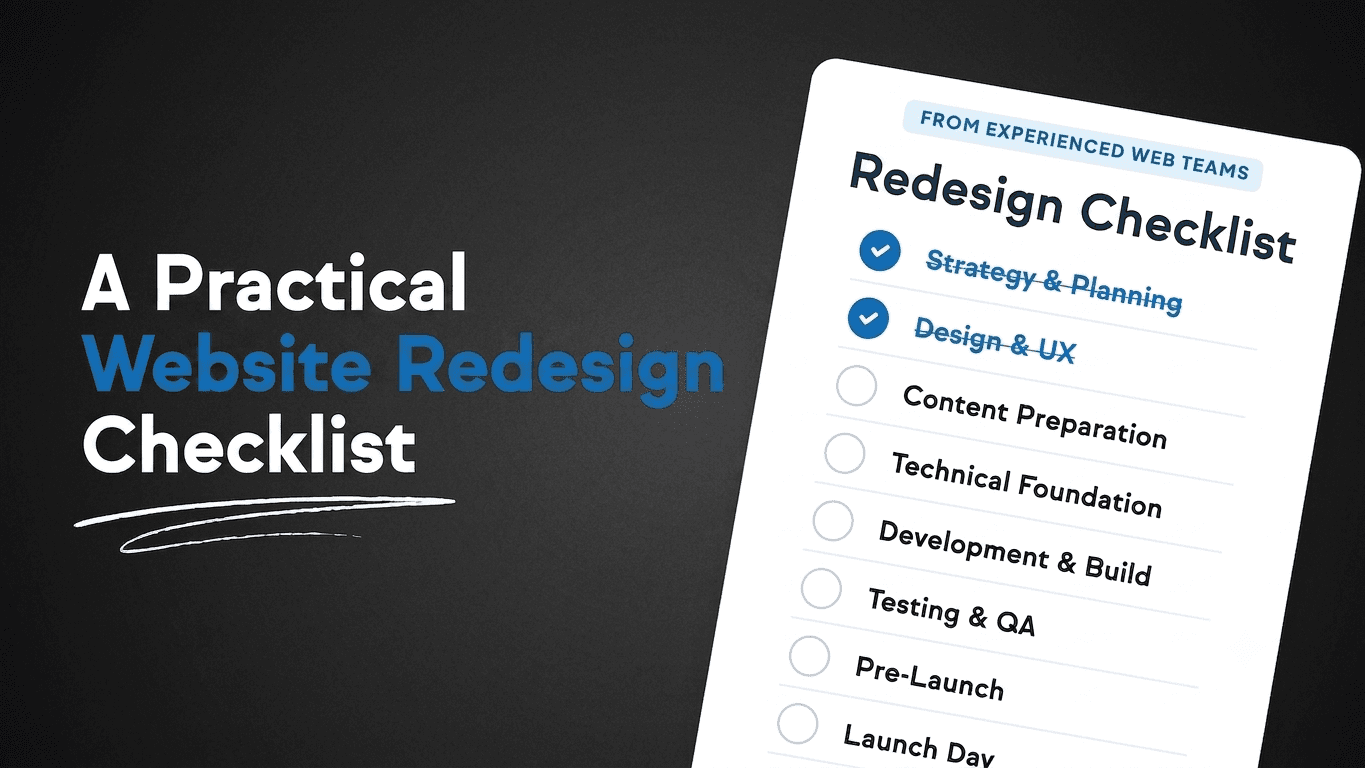
Company
Website Redesign Checklist for Growing Companies
Read articleShare via
Summarize with AI
Copies a prepared prompt with this article title and URL, then opens your selected AI tool.